
Musaed Core Expands Its Accessibility Toolkit to 31 Tools
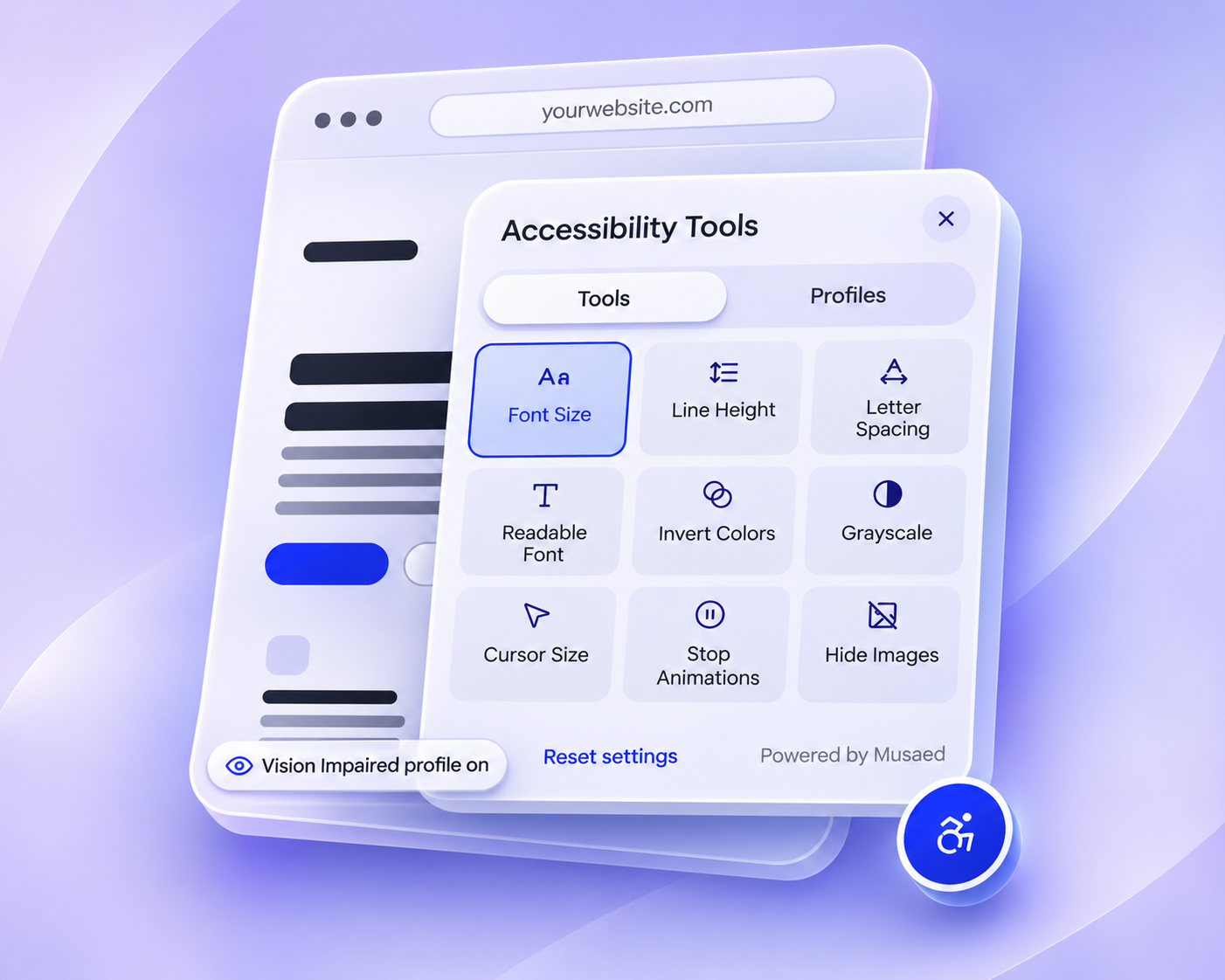
Musaed Core now offers 31 accessibility tools, bringing a broader range of accessibility and usability features together in one integrated website accessibility widget. The expanded toolkit gives visitors more ways to personalize how they interact with digital content, and helps organizations create more inclusive, adaptable online experiences.
Why One Accessibility Feature Is Not Enough
Digital accessibility is not one-size-fits-all. Every visitor interacts with websites differently, depending on their abilities, preferences, and needs. Some users need more readable text, while others benefit from stronger contrast, simpler navigation, or fewer on-screen distractions. Meeting these differences takes a flexible set of tools that gives users greater control over their browsing experience.
31 Tools Designed Around Different Accessibility Needs
Instead of relying on separate solutions for different requirements, Musaed Core provides multiple tools through a unified interface. The tools cover several key areas of digital accessibility:
- Text and Readability: Adjust font sizes, line spacing, letter spacing, text alignment, and font styles to make content easier to read.
- Visual Adjustments: Modify colors, contrast, saturation, backgrounds, and visual elements to improve content visibility.
- Navigation and Interaction: Customize cursor appearance, highlight links and headings, improve focus visibility, and navigate the website more easily.
- Media and Display Controls: Hide images, mute sounds, stop animations, and reduce visual distractions.
- Assistive Features: Get additional interaction and reading support through tools such as reading guides, screen reader support, and a virtual keyboard.
Together, these capabilities help visitors adapt website interfaces to their individual preferences and browsing requirements.
Personalized Accessibility Profiles
Beyond individual tools, Musaed Core offers accessibility profiles that group relevant settings around different user needs. Visitors can choose from profiles including:
- Seizure Safe
- Vision Impaired
- Color Blind
- Motor Impaired
- Dyslexia
- Blind Mode
- ADHD Mode
- Cognitive Difficulties
These profiles give users who prefer a ready-made collection of adjustments a more convenient starting point than configuring every setting individually.
One Widget, Multiple Accessibility Requirements
For organizations, improving accessibility across a website means addressing different user requirements while keeping a consistent digital identity. Musaed Core brings these capabilities together in a single integrated widget, so visitors do not have to navigate multiple separate tools.
The widget can also be customized to complement an organization's visual identity, so accessibility controls feel like part of the website experience rather than something disconnected from it.
Importantly, accessibility widgets are one part of a broader accessibility strategy. They should complement accessible development practices, semantic website structures, and ongoing accessibility testing, not replace them.
Making Digital Experiences More Inclusive
Expanding the toolkit to 31 tools reflects Musaed Core's focus on giving people more flexible ways to interact with digital content. As organizations continue to improve their digital services, giving visitors greater control over their browsing experience is an important step toward reducing accessibility barriers.
With its expanded tools and personalized profiles, Musaed Core helps organizations move toward digital experiences that better accommodate different abilities, preferences, and needs.
Explore Musaed Core and discover 31 accessibility tools designed to make your website more inclusive.